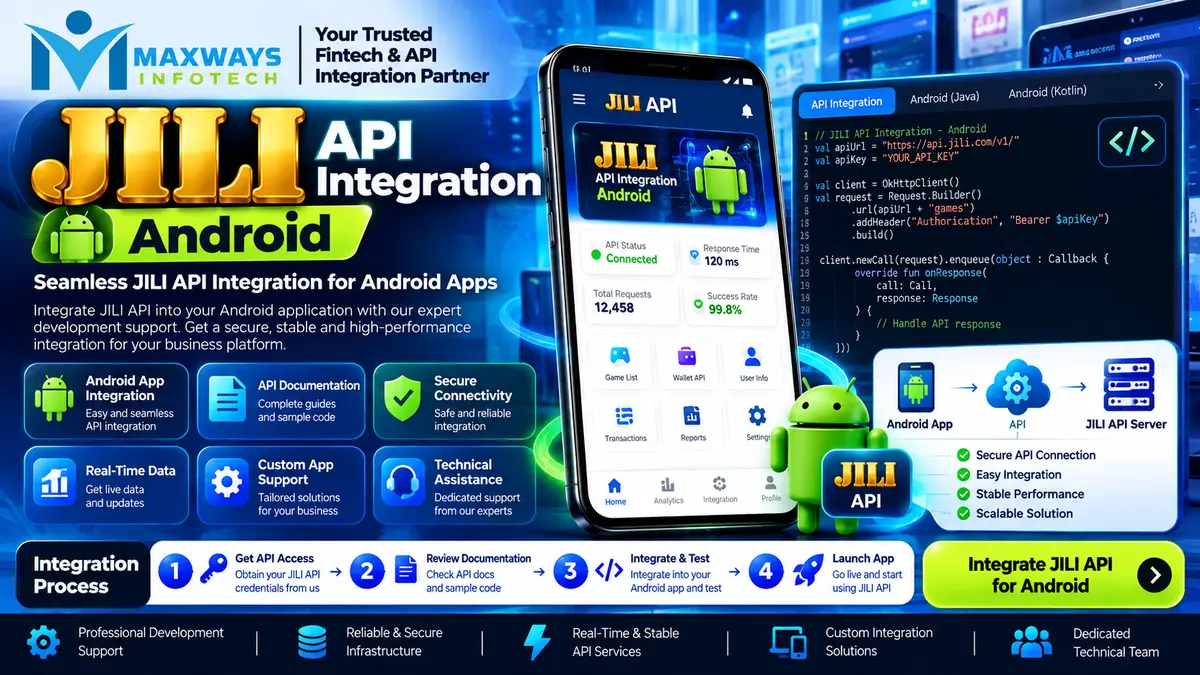
Learn about JILI API integration for Android, including app architecture, game launch workflows, WebView handling, security, testing, and session management.
JILI API Integration for Android: A Practical Guide for Mobile Gaming Apps
JILI API integration for Android involves connecting an Android application to an authorised game service through a secure backend and a documented game-launch workflow. The goal is to make supported games accessible from a mobile interface while keeping authentication, session handling, data exchange, and transaction processing consistent across the application.
For businesses planning a JILI-enabled Android app, the main challenge is not simply opening a game on a phone. The application must handle different screen sizes, network interruptions, app backgrounding, session expiry, and unexpected responses without confusing users or losing track of important operations.
A well-planned integration separates the Android interface from sensitive server-side operations. This makes the application easier to test, maintain, and update as the provider's requirements or the product's features change.
What Is JILI API Integration for Android?
JILI API integration connects an application or gaming platform with supported JILI game services using the access methods and technical specifications provided by an authorised integration partner.
Depending on the available agreement and documentation, the integration may support functions such as:
-
Retrieving a catalogue of available games.
-
Displaying game titles and supported content in an Android interface.
-
Requesting a game-launch session.
-
Opening a supported game through a returned launch URL or approved SDK.
-
Coordinating session status and permitted account operations.
-
Receiving and recording relevant transaction or game-result information where supported.
-
Monitoring integration errors and application performance.
The exact functionality depends on the provider's API, the integration model, and the permissions granted to the business. Developers should obtain the relevant documentation before deciding which features can be implemented.
Businesses researching mobile and software development options can visit the Maxways Infotech homepage to explore available company information and assess their project requirements.
How the Android Integration Architecture Works
A reliable Android implementation should avoid placing the entire integration inside the mobile application. A more maintainable approach separates the app interface, the business backend, and the external game service.
A typical architecture contains three main layers.
1. Android Application Layer
This is the part users interact with. It can contain the game lobby, categories, search, loading indicators, error messages, account screens, and navigation controls.
The Android app sends requests to your own backend and displays the results. It should not contain private provider credentials or be trusted to make authoritative decisions about account balances and transaction validity.
2. Backend Integration Layer
The backend manages communication with the authorised API. It handles credentials, validates requests, creates or requests sessions, processes provider responses, and records relevant events.
Keeping this work on the server makes it easier to protect credentials and apply consistent business rules. It also avoids making every mobile device responsible for communicating directly with sensitive external services.
3. Provider or Game Service Layer
The external service processes the supported requests and returns the information defined by its API contract. Depending on the integration, it may provide a game catalogue, a launch URL, session information, or transaction callbacks.
The backend must validate these responses and handle errors before returning appropriate information to the Android app.
Typical flow: Android app → your backend → authorised JILI integration service → backend response → Android app.
This architecture helps isolate provider-specific behaviour, so a change in an external API does not necessarily require redesigning the whole Android interface.
Choosing the Android Technology Stack
The technology stack should match the application's requirements, the development team's experience, and the integration method supported by the provider.
Kotlin or Java
Kotlin is a common choice for modern Android development, while Java may be appropriate for existing applications or teams with established Java codebases.
Both can be used to build networking layers, application screens, session-state handling, and navigation. The important factor is maintainable code with clearly defined responsibilities.
Networking and Data Handling
The Android app may communicate with its backend using HTTPS requests. Developers can choose suitable networking libraries and JSON parsing tools based on the project's architecture.
The implementation should handle unsuccessful responses, malformed data, timeouts, and offline conditions. Network calls should not block the main UI thread, because doing so can make the app appear frozen.
Native Screens and Game Display
The appropriate game-display method depends on the provider's supported integration.
If the provider supplies a supported web launch URL, the application may open it in a browser or an appropriately configured Android WebView, subject to the provider's instructions and applicable platform requirements. If a native SDK is officially supported, the team should follow that SDK's documentation instead.
Do not assume that every game supports the same launch method or that a WebView is always the correct option.
Implementing the Game Catalogue
The game catalogue is often the first part of the integration that users see. A well-organised catalogue makes it easier to browse available titles and start the correct game.
The backend can retrieve the permitted catalogue from the provider and return a controlled response to the Android application. The app can then display game cards containing the available title, artwork, category, and other approved metadata.
Several implementation details matter:
Stable game identifiers: Use the provider's documented identifiers to map each title correctly. Avoid using a displayed game name as the only identifier.
Loading states: Show a clear loading indicator while the catalogue is being retrieved.
Empty and error states: If no games are available or the request fails, display a useful message instead of a blank screen.
Caching: Cache suitable catalogue information when permitted, but refresh it according to the provider's guidance so that unavailable titles are not presented as launchable indefinitely.
Pagination: If the catalogue is large, load it in manageable sections rather than downloading everything at once.
Image handling: Use appropriate image sizes and loading strategies to avoid excessive memory usage on lower-powered devices.
The app should also handle differences in screen size, orientation, text scaling, and navigation so that the catalogue remains usable across supported Android devices.
Game Launch and Session Management
Game launching needs its own workflow rather than being treated as a simple button click.
When a user selects a game, the app should request a launch through the backend. The backend verifies the request, checks the required access conditions, and communicates with the authorised provider using the documented API.
If the request succeeds, the backend returns the permitted launch information to the app. The application then opens the game using the supported method.
The integration should account for several possible outcomes:
-
The launch request succeeds.
-
The selected game is unavailable.
-
The session cannot be created.
-
The network request times out.
-
The session expires before the game opens.
-
The user leaves the screen or closes the application.
-
The provider returns an unexpected response.
Avoid creating multiple sessions simply because a user taps the launch button repeatedly. Disable duplicate actions while a request is pending, and use appropriate backend controls to prevent duplicate processing.
Session identifiers and launch tokens should be handled according to the provider's security requirements. Do not place sensitive values in public logs, analytics events, or URLs where they could be exposed unnecessarily.
Handling Android WebView and App Lifecycle Events
Some game integrations use a web-based interface within an Android application. In that case, WebView configuration and lifecycle handling can affect the user experience.
Developers should consider:
-
Showing a clear loading state while the game page opens.
-
Handling page-load failures and network disconnections.
-
Providing a safe way to return to the app's main screen.
-
Preventing unintended navigation to unrelated websites.
-
Supporting the provider's required cookies, redirects, or session behaviour where appropriate.
-
Avoiding unnecessary JavaScript bridges and exposing only carefully validated functionality.
-
Handling app backgrounding, screen changes, and activity recreation without assuming the session remains valid.
Do not assume that the game session ends merely because the WebView closes. The app should follow the provider's documented session-status and recovery procedures.
Security for JILI API Integration Android
Security must be planned across the mobile app, backend, and provider connection.
Protect API Credentials
Private API keys and signing secrets should remain on the backend. Embedding a secret in an APK does not make it safe, because application packages can be inspected.
The backend should store credentials in an appropriately protected configuration or secrets-management system and restrict access to authorised services.
Validate Requests on the Server
The backend should validate the user's session and permissions before initiating sensitive operations. It should not blindly trust account IDs, balances, transaction values, or other important fields sent by the mobile client.
Use Secure Network Communication
Use HTTPS for communication with the backend and follow the provider's documented requirements for signing, authentication, and request validation. Sensitive information should not be sent over unprotected connections.
Keep Logs Useful but Safe
Logs should help developers identify failed requests, invalid responses, and integration outages. However, they should not expose private credentials, session tokens, or unnecessary personal and financial information.
Prevent Duplicate Transaction Processing
If the integration supports wallet callbacks or financial operations, the backend should use documented transaction identifiers, idempotency controls where applicable, and clear transaction states. A repeated callback should not accidentally create a second balance change.
These controls should be tested before release and reviewed as the application evolves.
Testing the Integration on Real Android Devices
Testing only on an emulator or one modern phone is not enough to confirm that an Android integration works reliably.
A practical testing plan should include:
Device compatibility: Test on representative Android versions, screen sizes, and device capabilities supported by the application.
Network conditions: Test slow connections, temporary disconnections, DNS failures, and requests that time out.
Session handling: Check what happens when a user backgrounds the app, returns after a delay, or attempts to reopen an expired session.
Game launch behaviour: Test successful launches, unavailable games, invalid responses, and repeated launch attempts.
Security: Verify that provider credentials are not exposed in the APK, public logs, or client-side configuration.
Transaction integrity: If financial functionality is part of the authorised integration, test duplicate notifications, interrupted operations, reconciliation, and documented reversal scenarios.
Regression testing: After a change to the app or backend, verify that previously working catalogue, launch, navigation, and session workflows still function correctly.
Use a provider-approved test environment wherever available. Production access should follow the provider's acceptance requirements and the applicable legal and technical approvals.
Common Problems and How to Troubleshoot Them
The Game Does Not Open
Check whether the backend received the launch request, whether the provider returned a valid response, and whether the launch method is supported on the target device. Inspect safe diagnostic logs before changing the integration.
The Catalogue Is Empty
Verify provider access, the catalogue response, game identifiers, permissions, and any market-specific availability restrictions. Also check whether the Android interface is correctly parsing the returned data.
The App Freezes During Loading
Check whether network work is running on the main thread, whether loading states are cleared after errors, and whether large images or unnecessary operations are blocking rendering.
A Session Fails After Returning to the App
Review the provider's session-expiry rules and the app's lifecycle handling. The backend may need to confirm whether the session remains valid before attempting to resume it.
Transaction Records Do Not Match
Where the integration includes financial transactions, compare the internal transaction reference, provider response, callback history, and recorded transaction status. Do not manually change balances without following a documented and auditable correction process.
A consistent logging and monitoring strategy makes these issues easier to isolate without exposing sensitive information.
Compliance and App Distribution Considerations
Before launching an Android application containing casino games, the business must confirm that the game content and operating model are permitted in each intended market.
Requirements can include licensing, age restrictions, identity verification, privacy obligations, payment rules, responsible-gaming controls, and restrictions imposed by the game provider. Access to an API does not itself authorise real-money gambling.
The team should also review the current Google Play policies and any other applicable distribution requirements before deciding how the app will be distributed. A technically functional application may still be ineligible for a particular distribution channel.
Use qualified legal advice to confirm the relevant requirements before enabling real-money functionality or making the application available to users.
How to Plan a JILI Android Integration Project
A clear project plan helps teams estimate work and reduce uncertainty.
-
Define the app scope: Identify the required screens, supported games, account workflows, and target devices.
-
Confirm provider access: Obtain the relevant API documentation, credentials, integration permissions, and test-environment details.
-
Design the architecture: Separate Android presentation, backend business logic, and external provider communication.
-
Implement catalogue and launch workflows: Build and test the basic game discovery and launch experience first.
-
Add required account or transaction features: Implement only the functions supported by the integration and required by the approved product scope.
-
Test failure and recovery scenarios: Include lifecycle events, session expiry, weak networks, and repeated requests.
-
Complete security and compliance reviews: Confirm the application is ready for its intended operating environment.
-
Deploy and monitor: Release through a controlled process and track integration errors, performance, and user-facing failures.
The project timeline depends on the provider's documentation, the complexity of the app, the integration method, testing needs, and any approval or certification requirements.
For related software and financial technology information, explore the Maxways Infotech fintech page. The right architecture and functionality should be selected according to each project's actual requirements.
Conclusion
JILI API integration for Android requires more than displaying games inside a mobile app. Developers need to coordinate the Android interface, backend services, game-launch workflow, session lifecycle, security controls, and provider-specific requirements.
A maintainable implementation keeps private credentials on the server, handles network failures gracefully, validates session state, and tests the complete workflow across supported devices. These practices help teams identify problems earlier and make future maintenance more manageable.
For more software and technology articles, visit the Maxways Infotech blog.