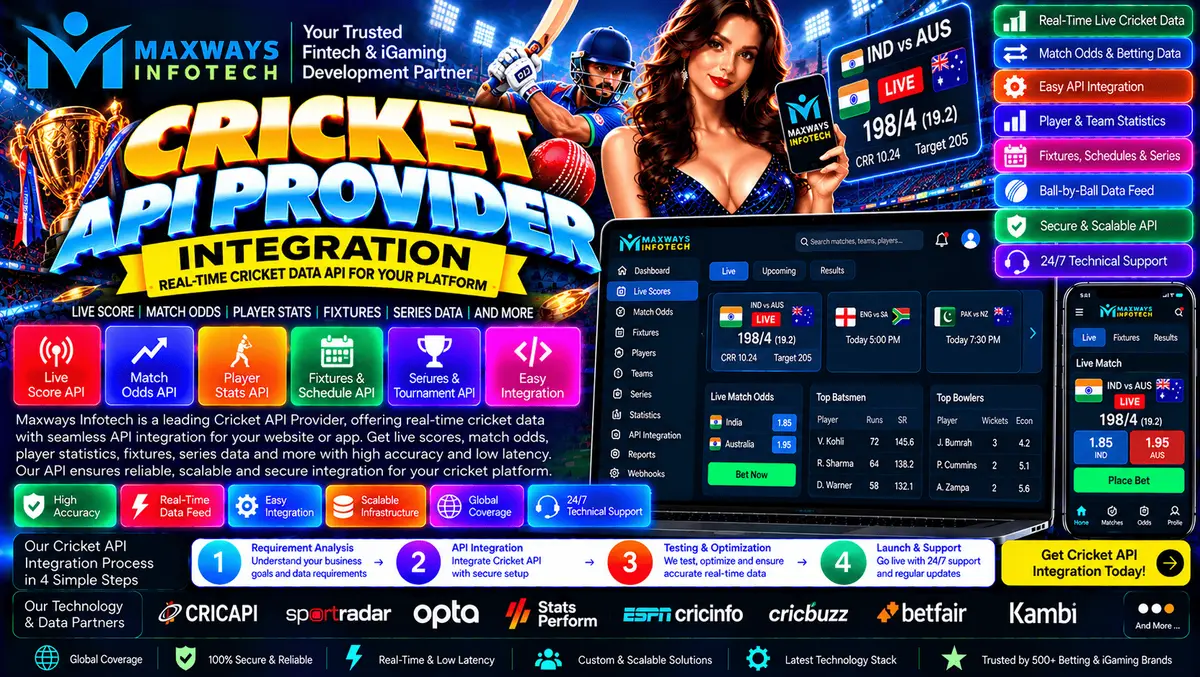
Learn Cricket API Provider Integration, including endpoint mapping, caching, authentication, error handling, testing, monitoring, and data licensing.
Cricket API Provider Integration: A Complete Guide for Websites and Applications
Introduction
Building a cricket-focused website or mobile application requires more than displaying a score on the screen. The application needs a reliable way to retrieve match information, interpret the returned data, update its interface, and handle interruptions without confusing users. Cricket API Provider Integration connects an application with an external cricket data service so developers can build these features without maintaining every data source themselves.
A well-planned integration considers data structure, endpoint selection, caching, authentication, request limits, and monitoring. These technical decisions affect both the user experience and the amount of maintenance required after launch.
For businesses planning a new sports data product or upgrading an existing application, the first step is to identify the required data and then map it to the appropriate API endpoints. You can explore technology solutions and development services on the Maxway Infotech website.
What Is Cricket API Provider Integration?
Cricket API Provider Integration is the process of connecting a website, mobile application, backend service, or analytics system to a cricket data provider through documented API endpoints.
Depending on the selected provider and access plan, an integration may retrieve:
-
Match schedules and fixtures.
-
Live scores and innings summaries.
-
Ball-by-ball information.
-
Team and player statistics.
-
Tournament and series details.
-
Completed match results.
-
Historical cricket data.
Not every provider offers all these datasets. Developers should verify coverage, update frequency, historical availability, and commercial usage rights before choosing an API.
The purpose of integration is to transform an external data response into information that the application can use consistently and present in a format suited to its audience.
Why Integration Planning Matters
Two cricket applications may use the same data provider but require very different integration designs.
A news website might need fixtures, final scores, and basic match summaries. A detailed scorecard application may require innings information, player statistics, and delivery-level updates. An analytics dashboard may also need historical records and structured data exports.
Planning these requirements in advance helps developers avoid unnecessary API calls and reduces the risk of discovering missing fields late in the project.
A good integration plan should identify:
-
The screens and features the application needs.
-
The data fields required by each feature.
-
The provider endpoints that supply those fields.
-
The expected update frequency.
-
The application's caching and storage requirements.
-
The handling of errors, unavailable matches, and delayed updates.
This creates a clear technical scope before implementation begins.
Step-by-Step Cricket API Integration Process
Step 1: Review the Provider's Documentation
Start with the official API documentation. Identify the base URL, authentication process, supported endpoints, response structure, request limits, and error codes.
Pay attention to optional fields and version-specific differences. A response that contains a player's name in one endpoint may use a different identifier or structure in another.
Do not build the application around assumed field names. Use the actual response schema provided by the selected service.
Step 2: Obtain Authorized API Access
Most commercial APIs require credentials, an access token, or another approved authentication method.
Store private credentials in a protected server-side configuration or secrets manager. Do not place secret API keys in public frontend JavaScript, mobile application bundles, or publicly accessible repositories.
Your backend should authenticate with the provider and expose only the data that the frontend needs.
Step 3: Select the Required Endpoints
Avoid requesting every available dataset by default. Choose endpoints based on the application features.
For example, a fixtures page may need a schedule endpoint, while a match detail page may need scorecard and innings information. Player statistics can be loaded separately when a visitor opens a player profile.
This separation makes it easier to optimize performance, manage request limits, and investigate issues.
Step 4: Map API Responses to Your Application
External APIs may use different field names, identifiers, date formats, and status values. Instead of passing every provider response directly to the frontend, create a consistent internal data model.
A simplified match record might contain:
These are illustrative application fields, not guaranteed names in a particular cricket API.
A mapping layer allows the frontend to remain consistent even if the external provider's response contains additional fields or uses a different naming convention.
Step 5: Build the Frontend Experience
Once the backend returns normalized data, developers can display it through match cards, scorecards, tournament pages, player profiles, and other interface components.
The interface should account for different match states, including scheduled, live, completed, postponed, and unavailable matches where supported.
Use loading indicators when data is being retrieved and clear messages when information cannot be refreshed. This is better than displaying a blank page or making old data appear current.
Step 6: Test Before Deployment
Test the integration with authorized sample data and the provider's approved testing environment.
Include successful requests, invalid credentials, missing fields, rate-limit responses, server timeouts, interrupted connections, and unavailable matches.
Confirm that the application recovers from temporary failures and does not create duplicate records when the same match information is received more than once.
Designing a Data Mapping Layer
A data mapping layer is especially useful when an application uses multiple endpoints or may change providers in the future.
Instead of making every frontend component understand the provider's response format, the backend converts incoming data into a consistent structure.
For example, one endpoint may represent match status as a short code, while another provides a descriptive label. The mapping layer can convert supported values into a standard internal format.
The same approach can normalize timestamps, team identifiers, player identifiers, and score fields.
However, normalization must preserve important distinctions. A missing score should not automatically be converted into zero, and an unknown match status should not be treated as a completed match.
Developers should also retain the provider's original identifiers wherever they are needed to request additional details or reconcile records.
Caching and API Request Management
Caching is an important part of a cricket data integration because many visitors may request the same match information at the same time.
Without caching, every page refresh could create another request to the external API. During a popular match, this can increase latency and exhaust the provider's usage allowance.
A backend caching strategy can reduce repeated requests while allowing the application to control how fresh the displayed information needs to be. Cricket API documentation commonly recommends choosing refresh intervals according to the type of data and respecting provider-defined limits
Different datasets may need different cache durations:
-
Live match data: Use a shorter refresh interval when the provider's terms and update frequency allow it.
-
Fixtures: Refresh according to the schedule's expected change frequency.
-
Player profiles: Cache stable information for longer periods where permitted.
-
Historical results: Use a suitable storage and refresh policy based on the provider's update practices.
Always follow the API provider's rate limits and caching rules. A short cache does not guarantee fresher information if the upstream data itself has not changed.
Handling API Errors and Incomplete Data
A production integration should assume that some requests will fail.
An endpoint may return an authentication error, a rate-limit response, an unavailable resource, or a temporary server failure. The application should distinguish these situations so that it can respond appropriately.
Authentication Errors
Check credential configuration and token expiry. If the provider supports token renewal, implement its documented process rather than repeatedly retrying the same invalid request.
Rate Limits
When the provider indicates that a request limit has been reached, follow its retry guidance. Avoid immediate repeated requests that can make the problem worse.
Timeouts and Temporary Failures
Use bounded retries with appropriate backoff for errors that may be temporary. Not every error should be retried automatically, particularly if the request is invalid or authorization has failed.
Missing or Delayed Data
Preserve the distinction between unavailable information and a legitimate zero value. If the application shows a previously valid score while waiting for a new response, display an update timestamp or a suitable delayed-data indicator.
Logging and Troubleshooting
Record useful diagnostic information such as endpoint names, response codes, latency, and correlation identifiers where available. Never write private API credentials or unnecessary personal information into logs.
These practices make it easier to identify whether a problem originates with the provider, the integration layer, or the frontend.
Managing Live Updates Efficiently
Not every cricket application needs continuous requests for every match.
A fixtures page may only need occasional refreshes, while a live match screen may need more frequent updates. The appropriate approach depends on the data provider's capabilities and terms.
Possible approaches include:
Scheduled polling: The backend requests updated data at a defined interval. This is straightforward but requires careful request management.
Webhooks: The provider sends notifications when supported events occur. The receiving application must validate notifications and handle retries or duplicates.
Streaming connections: Where offered, a streaming interface may deliver updates without repeated polling. Developers must still plan for reconnections, interrupted streams, and event ordering.
Choose the approach supported by the provider rather than assuming every cricket API offers webhooks or streaming.
Security and Data Licensing
Security and data permissions should be part of the integration plan from the beginning.
Use encrypted connections, protect API credentials, restrict access to administrative tools, and keep dependencies updated. If the application stores match records or user information, define appropriate access, retention, backup, and deletion procedures.
Data licensing is equally important. API access does not automatically grant unrestricted rights to redistribute, store, publish, or commercially reuse every dataset. Review the provider's contract for permitted display, attribution, caching, historical storage, redistribution, and geographic restrictions.
If cricket data is used in fantasy sports or wagering-related products, check the relevant legal and regulatory requirements for the intended market before launching those features.
How to Evaluate a Cricket API Integration Partner
A development partner should be able to explain how it will connect the API, test the data, and maintain the integration.
Evaluate the following areas:
Ask for a clear project scope that identifies deliverables, exclusions, milestones, and support responsibilities.
Common Mistakes in Cricket API Integration
Calling the API Directly From Every Visitor's Browser
This can expose credentials and create excessive requests. A backend integration layer is generally more suitable for protecting private keys and coordinating shared data requests.
Using One Refresh Interval for Everything
Live scores, schedules, and historical statistics do not necessarily need the same refresh frequency. Set refresh rules according to the dataset, provider guidance, and user requirements.
Treating Every Failed Request as the Same Error
An authentication problem requires a different response from a timeout or rate-limit error. Classifying errors improves recovery and troubleshooting.
Assuming Every Match Has Complete Data
Coverage may vary by competition, season, and endpoint. Design the application to handle missing fields and confirm provider coverage before committing to specific features.
Ignoring API Version Changes
Providers can modify endpoints and response structures. Monitor release notes, test updates in a staging environment, and maintain a process for updating the integration safely.
Skipping Performance Testing
Test how the backend behaves when many visitors request the same live match. Validate cache behavior, database load, request limits, and recovery after temporary outages.
Frequently Asked Questions
What is Cricket API Provider Integration?
It is the process of connecting a website, application, or backend system to an external cricket data service so the software can retrieve and use authorized cricket information.
Can a Cricket API be integrated into an existing website?
Yes, provided the website's architecture is compatible with the API and the necessary access rights and credentials are available.
Which programming languages can be used?
The choice depends on the application's architecture and the provider's requirements. Common backend technologies can send HTTP requests, authenticate with APIs, process JSON responses, and return normalized data to the frontend.
How can API request costs be controlled?
Review the provider's pricing and request limits, use suitable caching, avoid unnecessary endpoints, and reuse shared responses when permitted.
How should delayed cricket data be displayed?
Show a suitable last-updated timestamp and avoid presenting stale information as current. The application should distinguish between a delayed response and a confirmed match state.
What should be tested before going live?
Test authentication, valid responses, missing fields, rate limits, timeouts, duplicate events, caching, data mapping, security, and monitoring.
Conclusion
Cricket API Provider Integration requires careful planning beyond making a successful API request. The application needs a consistent data model, secure authentication, appropriate caching, reliable error handling, and monitoring that helps developers identify problems quickly.
Start by defining the required screens and data fields, review the provider's documentation, and build the integration in stages. Validate both normal and failure scenarios before deployment, and establish a process for managing API changes after launch.
For more development guides, software topics, and industry articles, visit the Maxway Infotech blog.