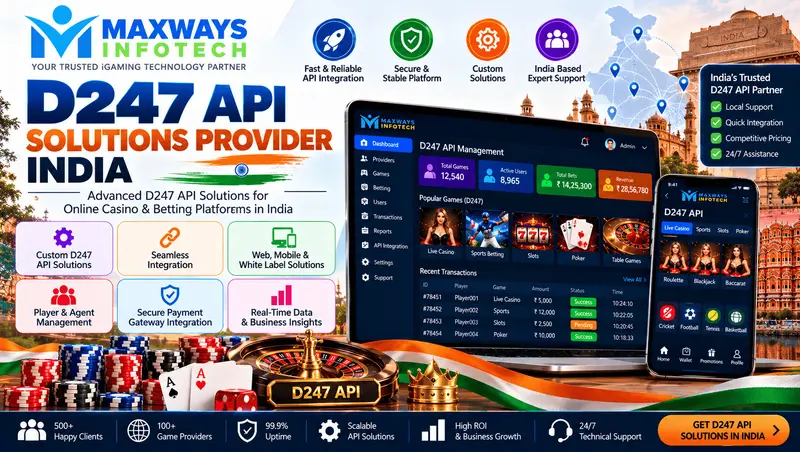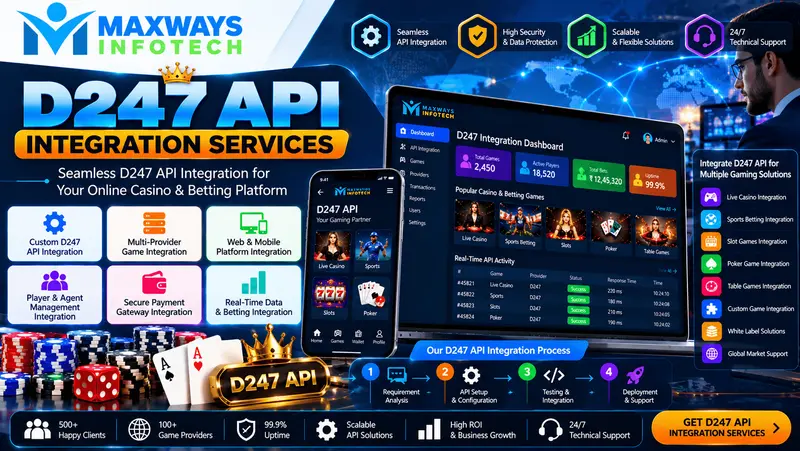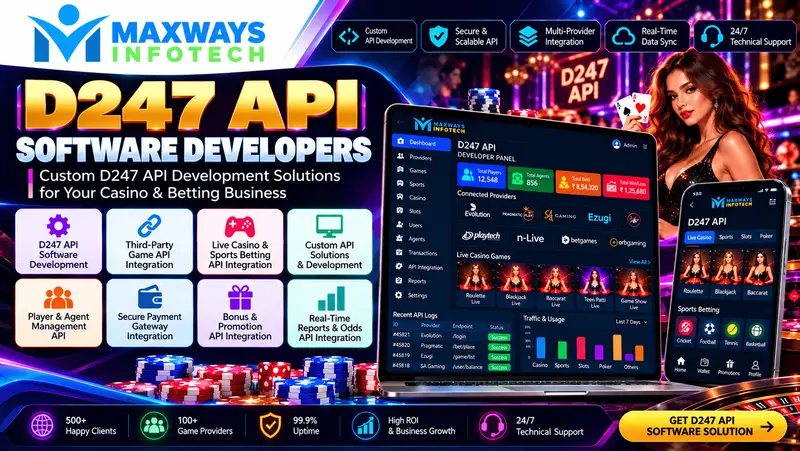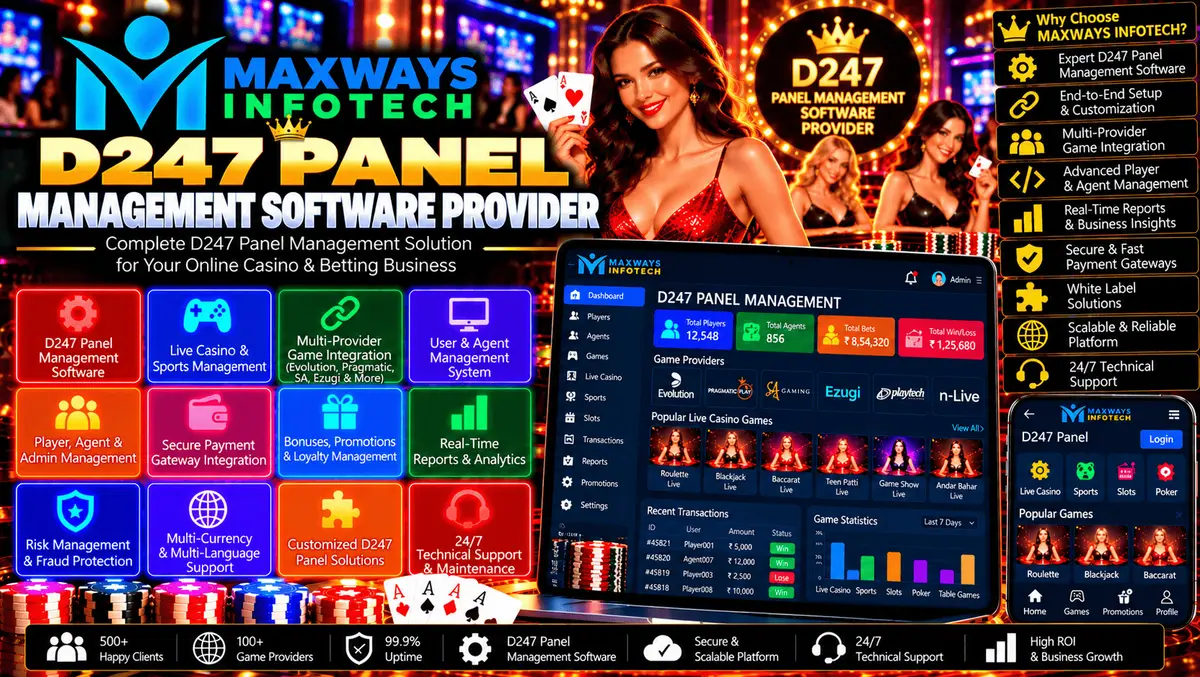
D247 Panel Management Software Provider, admin dashboards, user permissions, reporting, API integration, security, and technical support.
D247 Panel Management Software Provider: Features, Administration, and Technical Support
Managing a digital platform efficiently requires organized administration, reliable reporting, secure access, and software that can adapt to changing business needs. A D247 Panel Management Software Provider may offer panel-based software with administrative tools, configuration options, user management, reporting, and technical support, depending on the available solution and agreed project scope.
Choosing the right provider involves evaluating more than the dashboard's appearance. Businesses should understand the software's functionality, security controls, integration capabilities, licensing terms, and long-term maintenance requirements before making a decision.
At MaxWays Infotech, businesses can explore software development and digital platform solutions. This guide explains the important features and considerations when evaluating panel management software.
What Is D247 Panel Management Software?
Panel management software provides a centralized interface for managing supported application functions. Depending on the system, administrators may be able to configure settings, manage user access, review activity records, generate reports, and monitor selected operational information.
A D247 panel management software provider may offer some or all of the following services:
-
Software setup and configuration.
-
Administrative dashboard customization.
-
User account and permission management.
-
Reporting and activity monitoring.
-
Authorized third-party API integration.
-
Deployment, troubleshooting, and maintenance.
Available features vary by product, software version, licensing arrangement, and provider. Businesses should request a demonstration and written feature specification before assuming that a particular function is included.
Essential Features of Panel Management Software
1. Centralized Admin Dashboard
A centralized dashboard allows authorized administrators to access supported management functions from one interface.
A useful dashboard should organize settings logically, display relevant information clearly, and make routine tasks straightforward. It should also separate sensitive functions from general administrative activities.
When evaluating a dashboard, check its navigation, responsiveness, configuration options, and ability to support the workflows your team actually needs.
2. User and Account Management
User management helps administrators maintain account records and control access to the application.
Depending on the software, features may include account creation, profile updates, account status management, permission assignment, and activity history.
The provider should explain how accounts are secured, how access can be revoked, and how administrators can review important account changes.
3. Role-Based Access Control
Different team members require different levels of access. Role-based access control helps limit each person to the functions necessary for their responsibilities.
Important considerations include:
-
Separate roles for administrators and other authorized users.
-
Restricted access to sensitive settings.
-
Secure authentication and session management.
-
Regular access reviews.
-
Logs of important administrative changes.
These controls can reduce unauthorized changes and improve accountability.
4. Reports and Activity Monitoring
Reporting features can help administrators understand application activity and identify operational issues.
Depending on the system, reports may include account activity, configuration changes, system events, and other supported metrics.
Before selecting a provider, ask which reports are available, how frequently information is updated, whether exports are supported, and which users can access sensitive data.
5. API Integration and Connectivity
Some panel management systems need to communicate with external applications or services. APIs can support this communication when the systems are compatible and the required access is authorized.
A well-planned integration should include documented endpoints, secure authentication, data validation, error handling, and compatibility testing.
Businesses researching related integration models can explore the d247-panel-setup-provider for additional technical context.
6. Security and Data Protection
Security should be built into the software's configuration and maintenance processes.
Relevant safeguards may include encrypted connections, secure credential storage, access restrictions, protected backups, software updates, and appropriate audit logs.
Ask the provider how vulnerabilities are addressed, how incidents are handled, and which security responsibilities belong to the provider versus the business.
7. Responsive Design and Usability
A responsive panel can help authorized users access supported functions from different screen sizes.
The interface should remain readable and usable on desktop computers, tablets, and mobile devices. Testing should cover important workflows rather than checking only whether the homepage fits on a smaller screen.
Benefits of Choosing a Suitable Panel Management Software Provider
A suitable software solution can help businesses organize administrative tasks and manage their technology more consistently.
More Organized Administration
Centralized management tools can make supported settings and records easier to access. This can reduce the need to move between disconnected applications.
Clearer Operational Visibility
Reports and activity logs can help authorized staff investigate issues and understand system behaviour.
Better Access Management
Defined user roles and permission controls help limit sensitive functions to approved personnel.
More Consistent Data Handling
Validation rules and documented workflows can reduce errors when information is entered, updated, or transferred between compatible systems.
Easier Ongoing Maintenance
A documented software configuration and clear support arrangements can make updates, troubleshooting, and future improvements easier to manage.
Businesses comparing broader software options can also review d247-panel-solutions-provider-india for additional guidance on evaluating features, security, and service agreements.
How to Choose the Right D247 Panel Management Software Provider
Selecting a provider requires a practical assessment of technical capabilities and commercial terms.
Review the Actual Product
Request a demonstration of the software and check whether the required features are already available.
Ask the provider to distinguish between standard functionality, optional modules, and features that require custom development.
Define Your Requirements
Prepare a list of the workflows the panel must support. Identify essential features separately from optional enhancements.
This helps the provider recommend an appropriate solution and makes quotations easier to compare.
Check Integration Compatibility
If the panel must connect to external services, verify the relevant API documentation, access permissions, supported data formats, and any third-party costs.
Do not assume every external service can be integrated with every panel.
Understand Licensing and Ownership
Clarify whether the software is supplied through a licence, subscription, rental arrangement, or custom development agreement.
The contract should explain who owns custom code, who controls the domain and hosting, what rights apply to business data, and whether migration to another provider is possible.
Evaluate Support and Maintenance
Confirm what happens after deployment. Ask about troubleshooting, updates, backup arrangements, security fixes, support hours, and the cost of additional development.
Compare the Total Cost
The total cost may include setup, configuration, customization, hosting, integrations, licensing, maintenance, and future enhancements.
An itemized proposal helps you understand what is included and avoid unexpected expenses.
Panel Management Software: Rental vs Custom Development
Businesses may choose an existing panel through a rental or subscription arrangement, or commission a custom-built application.
A rental model can provide access to an existing software foundation with a recurring payment. Custom development may offer more control over specialized workflows, architecture, and feature requirements.
The appropriate choice depends on the available software, required customization, budget, licensing terms, and long-term plans.
For an example of how a monthly rental arrangement may be structured, review the d247-panel-technology-provider. Compare the actual terms and available features before deciding whether this model fits your requirements.
White-Label Panel Management Options
A white-label solution may allow a business to use supported branding elements, such as a logo, colours, and domain, on an existing software framework.
However, white-label branding does not automatically provide unrestricted ownership of the underlying code or guarantee that every requested feature can be customized.
Before selecting this model, confirm the permitted branding changes, available modules, integration options, hosting responsibilities, and software licensing conditions.
Businesses interested in this approach can explore the white-label diamond panel solution for an example of branding, administration, and integration features offered in a panel-based software model.
Panel Management Software Implementation Process
A structured implementation process helps businesses track progress and confirm that the final solution meets the agreed requirements.
-
Requirement analysis: Document the intended use, users, workflows, and required features.
-
Solution planning: Review the software architecture, configuration options, integrations, and security requirements.
-
Configuration and customization: Set up the agreed features and complete approved development work.
-
Testing: Validate permissions, reports, data handling, integrations, responsiveness, and error handling.
-
Deployment: Release the approved solution in the agreed environment and provide the required documentation.
-
Maintenance: Monitor performance, apply updates, and resolve issues according to the service agreement.
Common Mistakes to Avoid
When selecting panel management software, avoid these common mistakes:
-
Choosing a provider based only on the lowest price.
-
Assuming every advertised feature is included.
-
Skipping the software demonstration.
-
Ignoring access controls and data protection.
-
Failing to verify third-party API compatibility.
-
Overlooking recurring fees and maintenance costs.
-
Leaving ownership and licensing terms unclear.
-
Deploying the software without adequate testing.
A written project scope, documented acceptance criteria, and clear support agreement can help reduce misunderstandings.
Why Explore MaxWays Infotech?
Businesses researching software development and digital platforms can visit MaxWays Infotech to explore available company information and related technology services.
Before choosing any provider, prepare your requirements, request a detailed proposal, and verify the software's actual capabilities, security procedures, licensing terms, and ongoing support arrangements.
Frequently Asked Questions
What does a D247 Panel Management Software Provider do?
Depending on its offering, a provider may supply panel software, configure administrative features, manage user permissions, set up reporting, support authorized integrations, and provide technical maintenance.
Which features should panel management software include?
Common features to evaluate include an administrative dashboard, role-based access, account management, activity records, reporting, security controls, and compatible integrations.
Can panel management software be customized?
Customization depends on the software architecture, available configuration options, licensing terms, and the provider's technical capabilities. Confirm the scope before committing to development.
Does panel management software support API integration?
Some solutions support API connections, but compatibility depends on the specific software, available documentation, access permissions, and third-party service requirements.
How much does panel management software cost?
Pricing varies according to the licensing model, included features, customization, hosting, integrations, and support plan. Request an itemized quotation for your requirements.
Is ongoing maintenance necessary?
Ongoing maintenance is often important for software security, compatibility, performance, and troubleshooting. Confirm which maintenance services are included in the agreement.
Conclusion
Choosing a D247 Panel Management Software Provider requires careful evaluation of administrative features, user permissions, reporting, integration compatibility, security, licensing, and ongoing support.Live Casino Management Software Providers | Maxways Infotech
A suitable solution should meet your operational requirements, clearly document its limitations, and provide transparent commercial and maintenance terms.
Visit MaxWays Infotech to explore related software development information and plan the technical requirements for your project.
Compliance note: Any betting, casino, or gaming-related software must be used only where legally permitted and with all required licences and authorizations. Applicable age restrictions, responsible-use safeguards, privacy requirements, and data-protection obligations must also be followed.