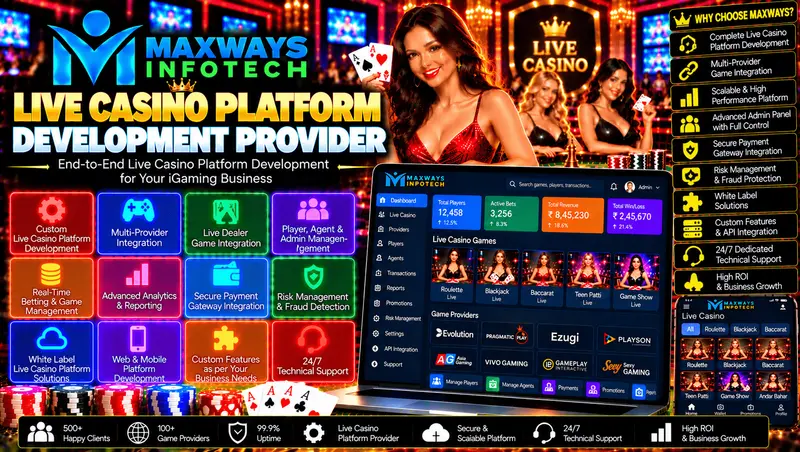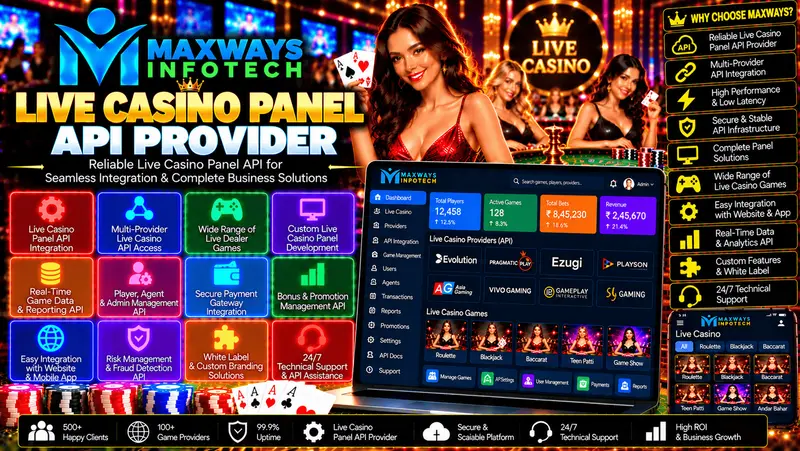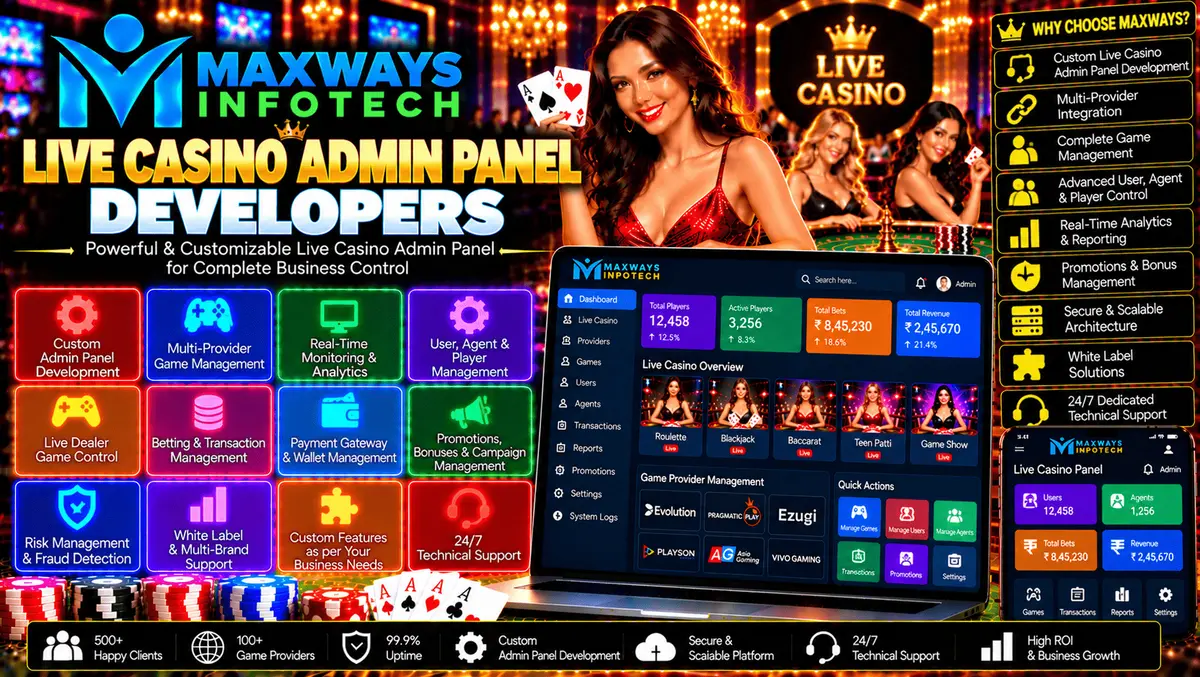
. Live Casino Admin Panel Developers help businesses design and build dashboards that support platform administration, API connectivity, reporting, and system monitoring.
Live Casino Admin Panel Developers: Features, Benefits, and Custom Solutions
Introduction
Managing a live casino platform requires an organised administrative system that brings important settings, reports, user permissions, and technical information into one place. Live Casino Admin Panel Developers help businesses design and build dashboards that support platform administration, API connectivity, reporting, and system monitoring.
A well-designed admin panel should be more than a collection of tables and buttons. It should provide a clear interface, protect sensitive operations, and help authorised staff complete their responsibilities efficiently. Depending on the project, it may connect with game providers, backend services, databases, and reporting tools.
Businesses looking for custom software and game development can explore Maxways Infotech to learn about its development services.
What Do Live Casino Admin Panel Developers Do?
Live casino admin panel developers create the administrative interface and supporting software used to manage approved platform functions. Their responsibilities may include requirements analysis, dashboard design, backend development, database integration, API connectivity, security testing, and maintenance.
Depending on the project scope, the panel may provide:
-
Secure administrator authentication.
-
Role-based permissions and access management.
-
Game catalogue and content configuration.
-
Integration status and technical monitoring.
-
Reports and audit logs.
-
Platform settings and configuration controls.
-
Support and incident management.
-
Maintenance and system health information.
The precise feature set should be defined before development begins so the finished panel supports real operational needs.white label diamond panel | Maxways Infotech
Why Businesses Need a Custom Admin Panel
Centralised Platform Management
A custom dashboard can bring approved administrative functions into a single interface. Instead of switching between disconnected tools, authorised staff can access the information relevant to their roles.
For example, support staff may need incident records, while technical administrators may need integration logs and service health information.
Better Workflow Organisation
A carefully planned interface makes routine tasks easier to understand and complete. Clear navigation, useful filters, validation messages, and consistent layouts help reduce avoidable mistakes.
The panel should also make important actions distinguishable from routine viewing and reporting functions.
Flexible Software Integration
Admin panels often communicate with backend services through APIs. A modular design allows the interface to use documented services without embedding sensitive business logic directly into the frontend.
For a related technical overview, explore the /reddy-anna-panel-provider.
Easier Maintenance
A well-documented panel is easier to update as the platform changes. Modular components, version control, testing, and clear deployment procedures help development teams maintain the software over time.
Essential Features of a Live Casino Admin Panel
1. Secure Login and User Roles
The panel should authenticate administrators and assign permissions according to their responsibilities.
Important controls include:
-
Strong authentication appropriate to the risk level.
-
Least-privilege access.
-
Session timeout and secure logout.
-
Server-side permission validation.
-
Audit records for sensitive actions.
-
A documented process for revoking access.
Restricting access to the functions each person needs helps protect sensitive settings and information.
2. Dashboard and System Overview
A dashboard can summarise operational information such as application status, integration health, recent errors, maintenance notices, and relevant reporting metrics.
The displayed information should have clear definitions and update intervals. If a metric is delayed or unavailable, the interface should make that status clear instead of presenting outdated data as current.
3. Game Catalogue Management
Where authorised by the relevant provider agreements, administrators may need to review game listings, categories, availability, and associated content.
The panel should distinguish between settings managed by the platform and settings controlled by an external provider. Changes should be validated and recorded to support troubleshooting.
4. API Integration Monitoring
A live casino platform may rely on APIs to communicate with external game services and other supported systems. Integration monitoring can help technical teams identify connection failures, authentication problems, timeouts, and unexpected responses.
For additional context, read the all-panel-api-provider.
API credentials should be stored securely and should not be exposed in browser code or ordinary dashboard logs.
5. Reporting and Audit Logs
Reports can help authorised teams review operational activity and identify recurring issues. Depending on the requirements, reports may cover system errors, integration status, configuration changes, and platform performance.
Audit logs should record significant administrative actions with suitable timestamps and references. Access to logs should be controlled, and sensitive data should not be collected unnecessarily.
6. Technical Support Tools
Support-oriented features can help teams document incidents, assign responsibility, track progress, and record resolutions.
These workflows are particularly useful when several teams or external providers are responsible for different parts of the platform.
7. Configuration Management
A panel may include approved settings for content, notifications, display preferences, or other application functions. Sensitive configuration changes should be restricted to authorised users and validated before they take effect.
Where necessary, the system should provide an approval process and a record of previous values.
Technologies Used in Admin Panel Development
Technology choices depend on the expected workload, the existing platform, the development team's expertise, and long-term maintenance requirements.
Frontend Technologies
Frameworks such as React can support responsive dashboards, interactive tables, filters, forms, and reusable interface components. HTML and CSS provide the foundation for layout, presentation, and browser compatibility.
The interface should also consider accessibility, keyboard navigation, and clear error handling.
Backend Technologies
Backend technologies such as Node.js or PHP can implement business rules, access controls, API communication, and data processing. Sensitive operations should be enforced on the server rather than relying on frontend restrictions.
Database Technologies
Databases such as MySQL or MongoDB may be appropriate depending on the data model and query requirements. The architecture should specify data ownership, access permissions, backup policies, and recovery procedures.
API Integration
An integration layer can separate external provider communication from the dashboard interface. This helps the system validate responses, handle errors, and adapt when supported API versions change.
Hosting and Monitoring
Hosting should be selected according to availability, performance, security, and operational needs. Monitoring can track response times, application errors, service health, and infrastructure utilisation.
Production changes should follow a controlled release process with testing and rollback procedures.
The Admin Panel Development Process
Step 1: Requirements gathering
Identify the intended users, administrative tasks, required reports, integrations, security needs, and acceptance criteria.
Step 2: UI/UX design
Create wireframes and interface designs for the dashboard, navigation, forms, tables, and reporting views. Gather feedback before implementation.
Step 3: Architecture planning
Define frontend and backend responsibilities, database structures, API contracts, permissions, and deployment requirements.
Step 4: Development
Build the agreed features in manageable stages using version control and appropriate code-review practices.
Step 5: Integration and testing
Verify API connectivity, access controls, input validation, error handling, and data consistency.
Step 6: Security and quality assurance
Test that users cannot access unauthorised features, sensitive information is appropriately protected, and important workflows behave correctly under failure conditions.
Step 7: Deployment and handover
Deploy the panel through a controlled process, configure monitoring, and provide the agreed documentation and access handover.
Step 8: Ongoing maintenance
Plan for bug fixes, dependency updates, security reviews, compatibility changes, and future enhancements.
Security Considerations for a Live Casino Admin Panel
Admin panels may control sensitive platform functions, so security should be considered from the beginning.
Recommended practices include:
-
Enforcing least-privilege permissions.
-
Protecting administrator accounts with appropriate authentication.
-
Validating requests and permissions on the server.
-
Encrypting data in transit and protecting stored credentials.
-
Keeping software dependencies updated.
-
Recording important administrative actions.
-
Testing backups and recovery procedures.
-
Reviewing access rights regularly.
-
Maintaining an incident response process.
Privacy requirements should also guide what information the panel collects, displays, exports, and retains.
How to Choose the Right Admin Panel Development Company
Review Technical Experience
Ask potential developers how they approach dashboard design, backend services, database integration, API connectivity, security testing, and maintenance.
Define the Scope Clearly
The proposal should identify included features, excluded work, integrations, milestones, and acceptance criteria. This helps avoid misunderstandings during delivery.
Check Security Practices
Discuss authentication, permissions, credential storage, audit logs, vulnerability testing, and responsibility for security updates.
Confirm Ownership and Documentation
Clarify the ownership or licensing of custom code, designs, and project assets. Confirm that the agreement covers the relevant documentation, source-code access, and deployment instructions.
Discuss Post-Launch Support
Ask who will handle defects, software updates, integration changes, monitoring, and future development. Make sure response expectations and exclusions are documented.
How Much Does Live Casino Admin Panel Development Cost?
The price depends on the project's complexity, required features, integration needs, security controls, and ongoing support requirements.
Typical cost factors include:
-
Requirements analysis and interface design.
-
Frontend and backend implementation.
-
Database and API integration.
-
Authentication and access controls.
-
Reporting and audit functionality.
-
Testing and security reviews.
-
Hosting and deployment.
-
Documentation and maintenance.
Request an itemised proposal and compare the included deliverables, milestones, and ongoing costs. A clear scope helps stakeholders understand what they are paying for and how changes may affect the budget.
Frequently Asked Questions
What do live casino admin panel developers build?
They build administrative dashboards and supporting software for approved platform functions, such as configuration, reporting, access management, API monitoring, and incident tracking.
Can an admin panel connect with existing software?
Yes, provided the existing systems offer suitable interfaces and the integration is authorised. Developers should verify API documentation, authentication, compatibility, and data requirements.
Is a custom admin panel better than a ready-made panel?
A custom panel can be tailored to specific workflows and technical requirements. A ready-made panel may reduce initial development effort, but its flexibility depends on the available configuration options and licensing terms.
How long does admin panel development take?
The timeline depends on the feature list, integration complexity, design requirements, testing scope, and availability of technical documentation. An estimate should follow a requirements review.
Can the panel be updated after launch?
Yes. A maintainable panel can receive bug fixes, security updates, integration changes, and new features through a controlled release process.
What should businesses prepare before development?
Prepare the feature list, user roles, administrative workflows, integration requirements, security expectations, budget, timeline, and maintenance needs.
Conclusion
Choosing suitable Live Casino Admin Panel Developers means finding a team that can combine clear interface design with reliable backend architecture, secure permissions, useful reporting, and maintainable integrations.
A well-defined project scope, structured testing, and ongoing support can help businesses manage their software more effectively and prepare for future changes.
Compliance note: Live casino software should be developed, deployed, and operated only where legally permitted, with appropriate licences, age safeguards, privacy protections, responsible-use measures, and compliance with applicable regulations.Live Casino Panel Development Company | Maxways Infotech